
Delete Item
Learn how to delete Items in Auctria.
You can delete an item from its Item Details page.
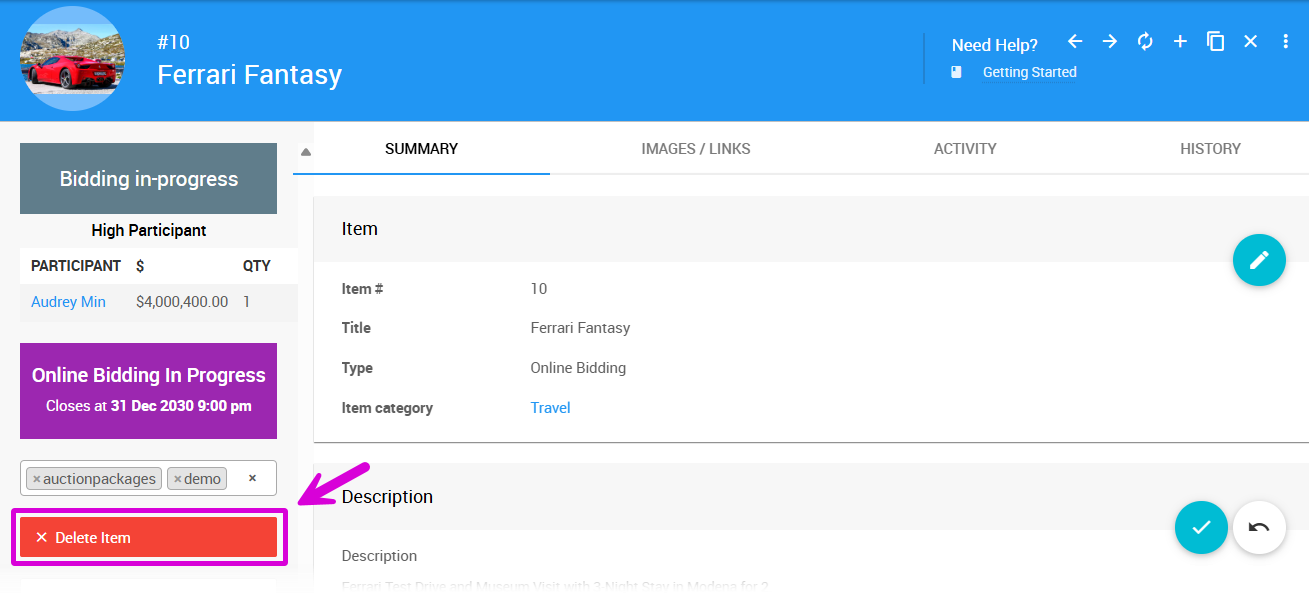
Click Delete Item on the left sidebar of the page.
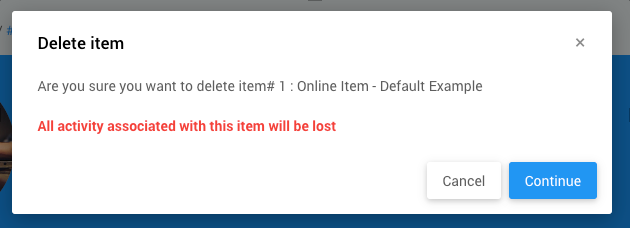
A popup window will appear asking you to confirm the deletion.
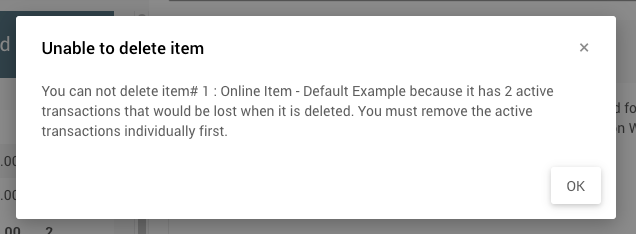
Items With Activity Cannot Be Deleted
If the item has activity, you will not be able to delete the item. See How To Remove An In-Progress Bid for more details.
Last reviewed: March 2026