
How To Create Gift Certificates
Learn how to mark an item as a Gift Certificate and generate a PDF gift certificate for use at your event.
Some auction items take the form of gift certificates. Auctria can generate a PDF gift certificate for any item marked as one, which can be printed and used to represent the item at your event.
Managing Physical Gift Cards
If your items include physical gift cards, consider storing the actual cards at a separate table for winners to collect at checkout, and placing printed PDF gift certificates on the bidding tables instead. This reduces the risk of gift cards going missing during the event.
Marking an Item as a Gift Certificate
Open the item's Item Details page, go to the Summary tab, and under Options enable Is gift certificate.

Once saved, Auctria can generate a PDF gift certificate for the item. See Gift Certificates for more information on printing gift certificates.
Viewing All Gift Certificate Items
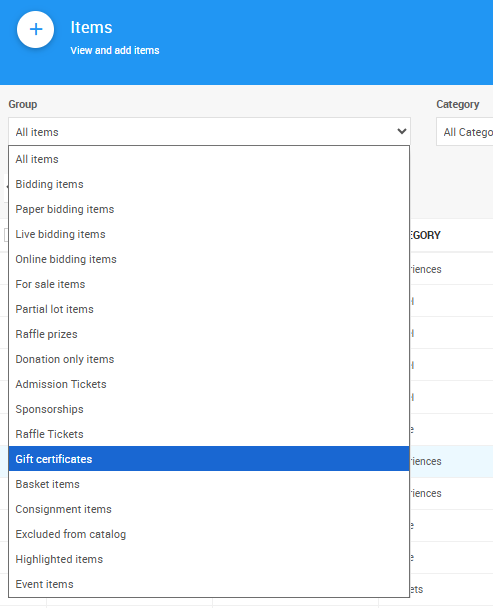
To see a list of all items marked as gift certificates, open the Items List and under Group select Gift certificates.
Last reviewed: October 2024