
On This Page
Choose Items Sort
In some cases, the Choose Items feature set will also include a Sort by drop-down selector to organize the filtered results.
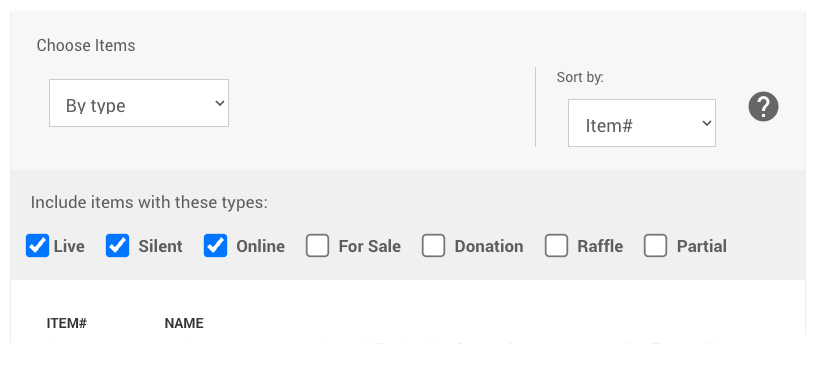
Click the Sort by drop-down to see the full list of available sort options. The default is Item#.
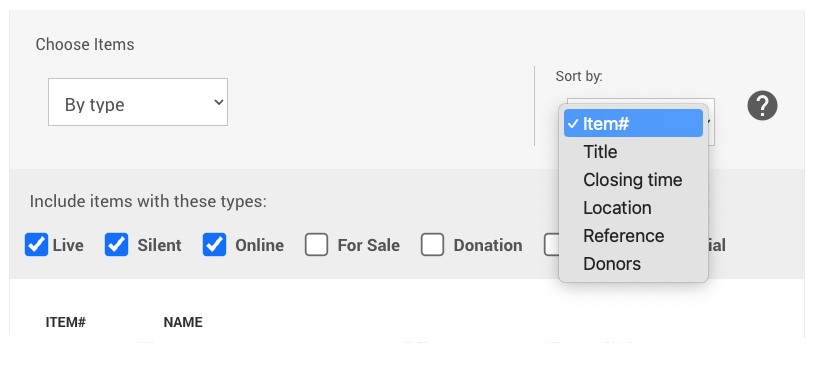
Each sort option references a specific field on the item's Item Details page. See Choose Items Filters for more information on the Choose Items filters.
Sort Options
| Option | Sorts by |
|---|---|
| Item# | The item number — either assigned automatically by Auctria or set manually. |
| Title | The text entered in the item's Title field. |
| Closing Time | The effective closing time for the item — either the default Online bidding end time or the item's Override online bidding/sales end time if one has been set. |
| Location | The text entered in the Location field in the item's Other section. |
| Reference | The text entered in the Reference Number field in the item's Description section. |
| Donors | The primary donor listed for the item. If the item has multiple donors, the first listed donor is used. |
Last reviewed: April 2026